
Turn raw screenshots into
polished visuals.
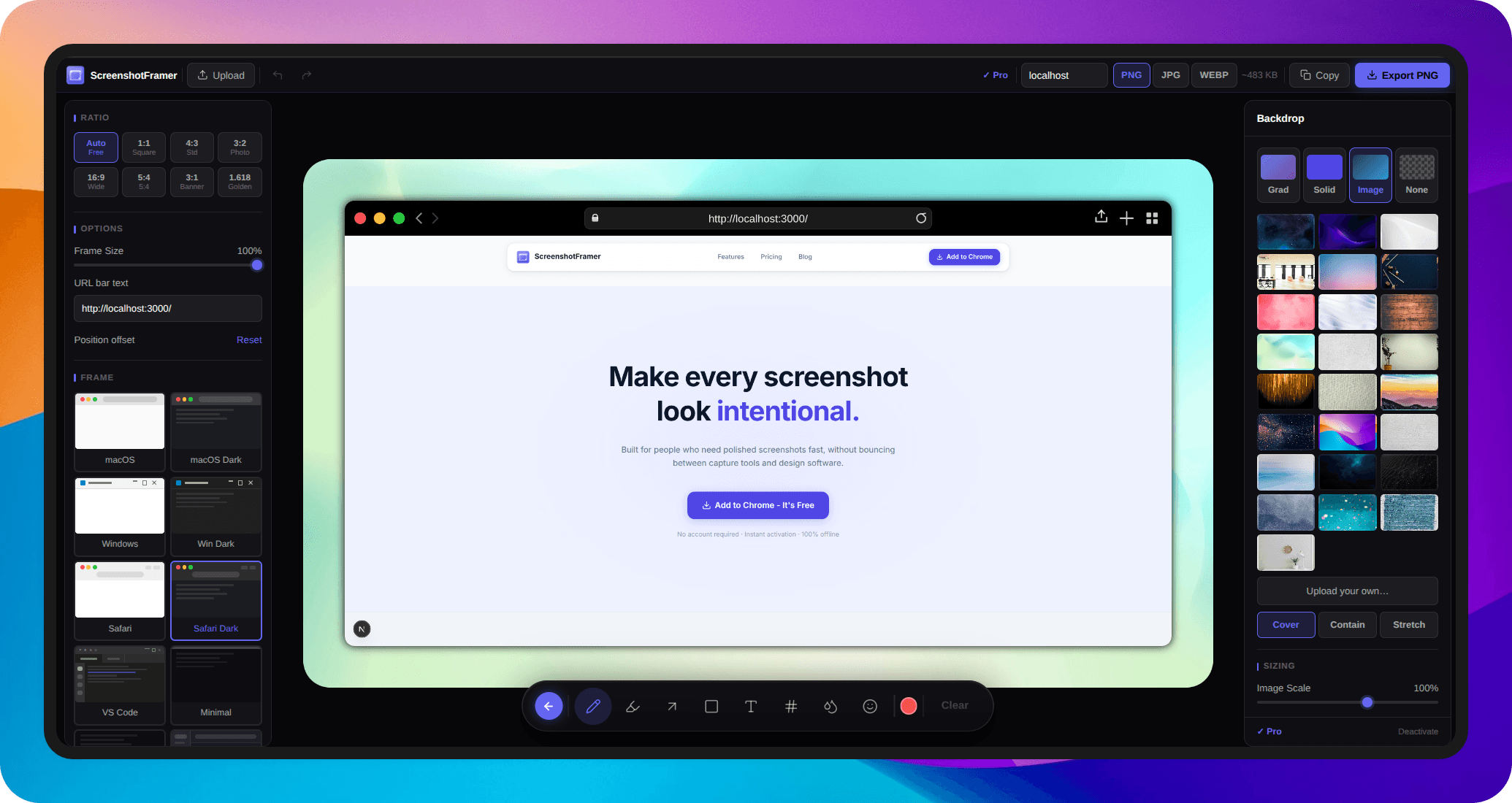
Capture from Chrome, then design in the editor — browser frames, backgrounds, annotations, stickers, and export presets for your store listing, launch post, changelog, or social post.
Who it's for
Built for people who ship things
For founders, developers, writers, and designers who need beautiful graphics with minimal effort — even with zero design skills.
Your screenshot is your pitch.
You're launching on Product Hunt, posting on X, or submitting to directories. The first thing people see is a screenshot. Make it look like something worth clicking — not a debugging session.
Your store gallery is your storefront.
Competitors with polished, framed screenshots get more installs every day. ScreenshotFramer exports at the exact 1280×800 Chrome Web Store requires — no Figma, no resizing, no detour.
Plain screenshots break the flow.
READMEs, changelogs, help docs, Notion pages — annotated screenshots with numbered steps and callouts make complex flows obvious at a glance. No more "see screenshot above."
Skip the Figma mockup detour.
You share work constantly — Slack, Notion, Dribbble, client reviews. Wrap it in a frame, add a background, annotate what changed. Done in under a minute without opening another app.
How it works
From tab to polished visual
in under a minute
Three steps. No uploads, no account, no design tool detour.
Capture
Click the toolbar or hit a shortcut. Grab the visible page, drag a region, or stitch a full scrolling page — even a boring screenshot becomes your starting point.
Design in the editor
The web editor opens automatically. Add browser frames, backgrounds, annotations, arrows, stickers, and callouts — everything you need to go from raw screenshot to polished visual.
Export anywhere
Export at any dimension — Chrome Web Store 1280×800, Product Hunt thumbnail, or a custom size. Copy to clipboard or download as PNG or JPG in one click.
Frame Styles
Every frame style, perfected
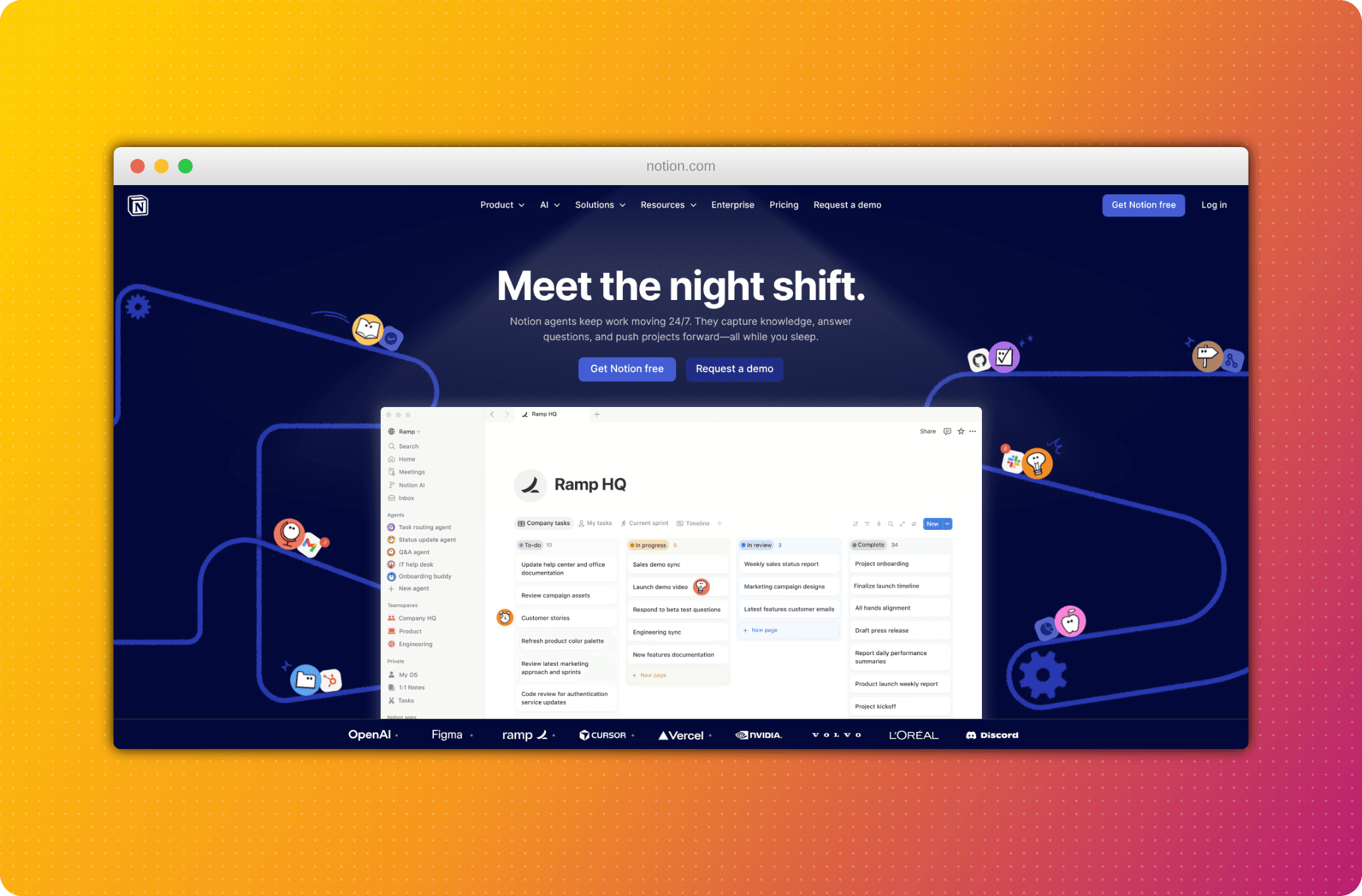
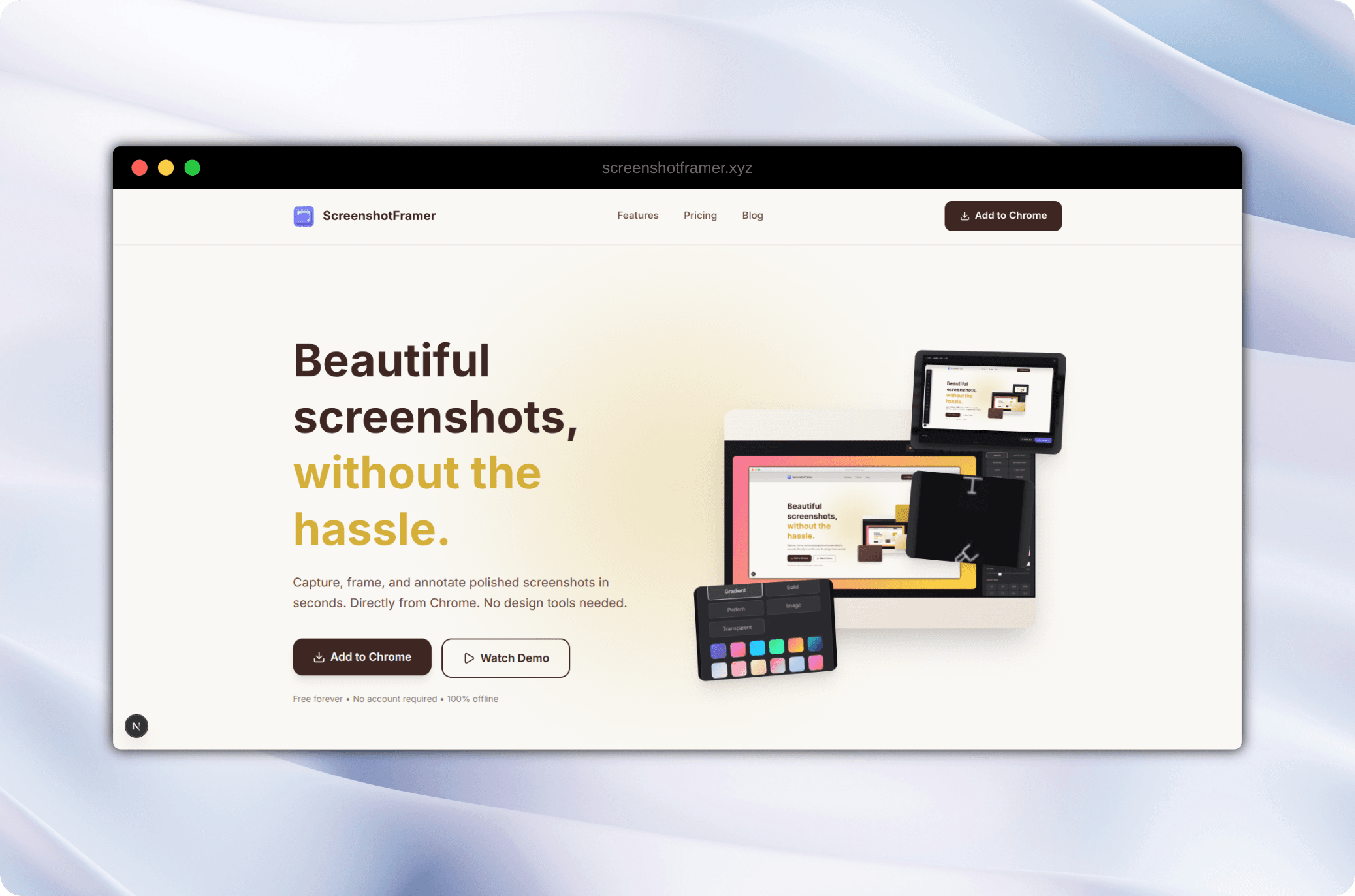
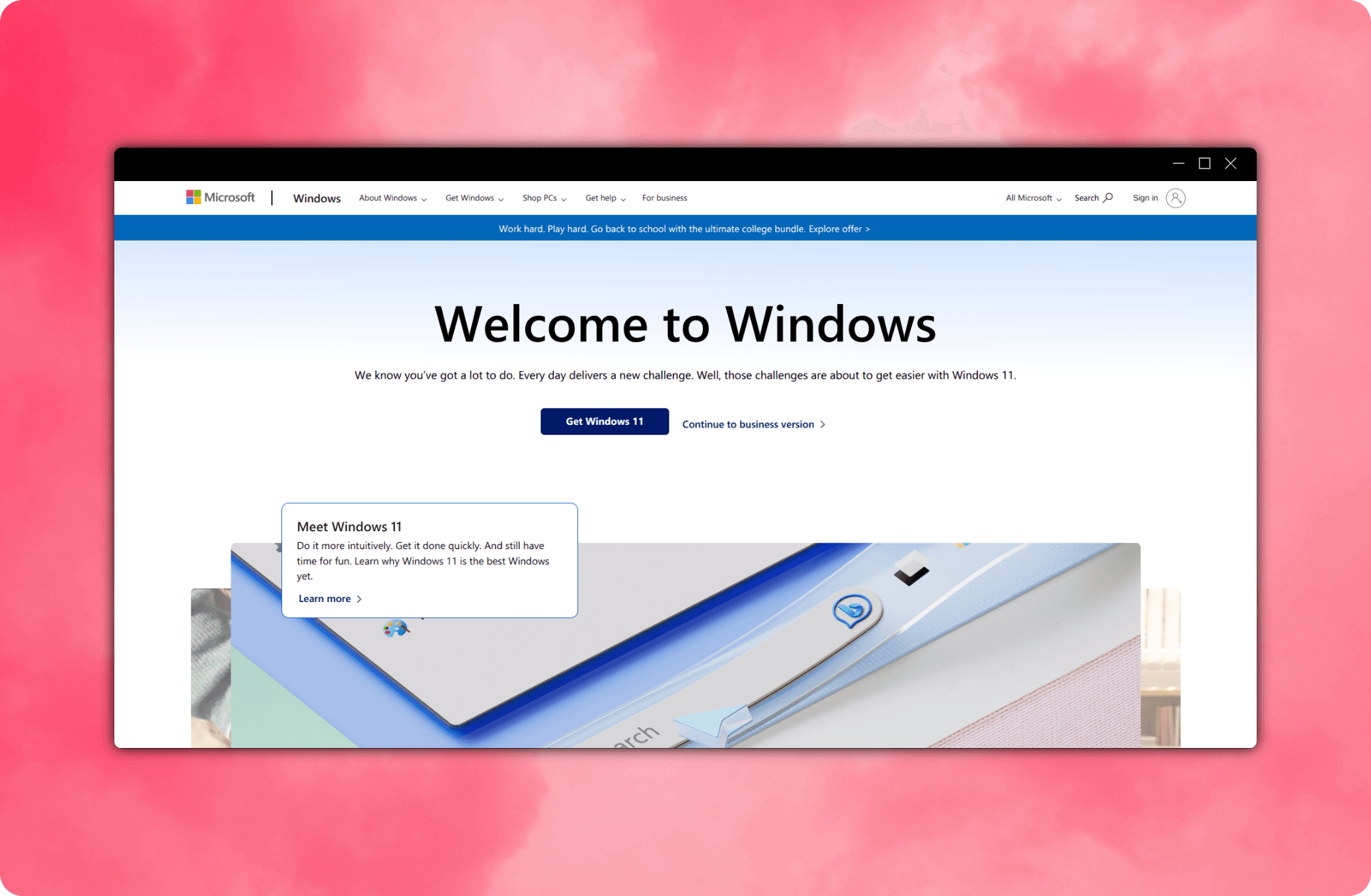
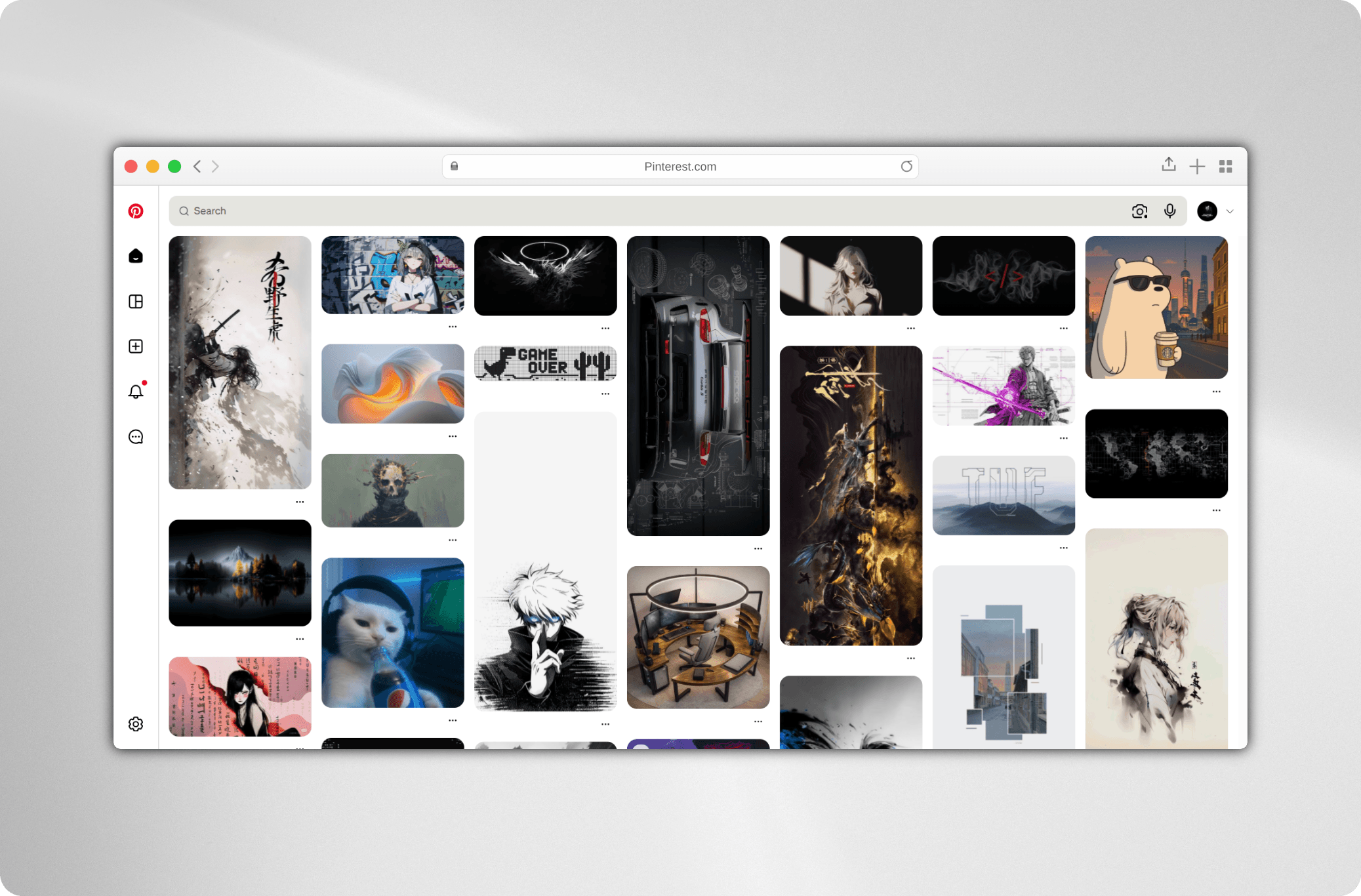
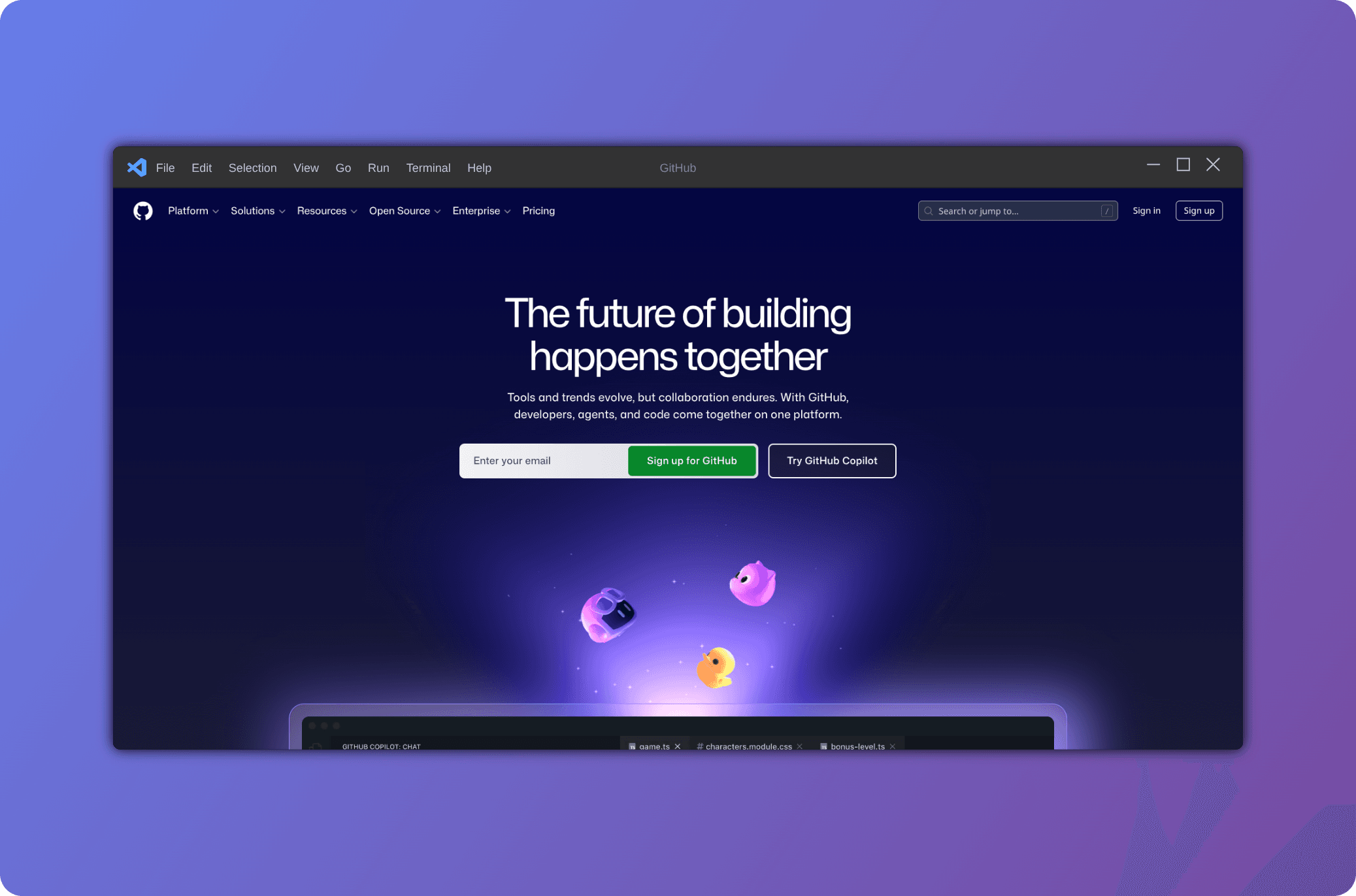
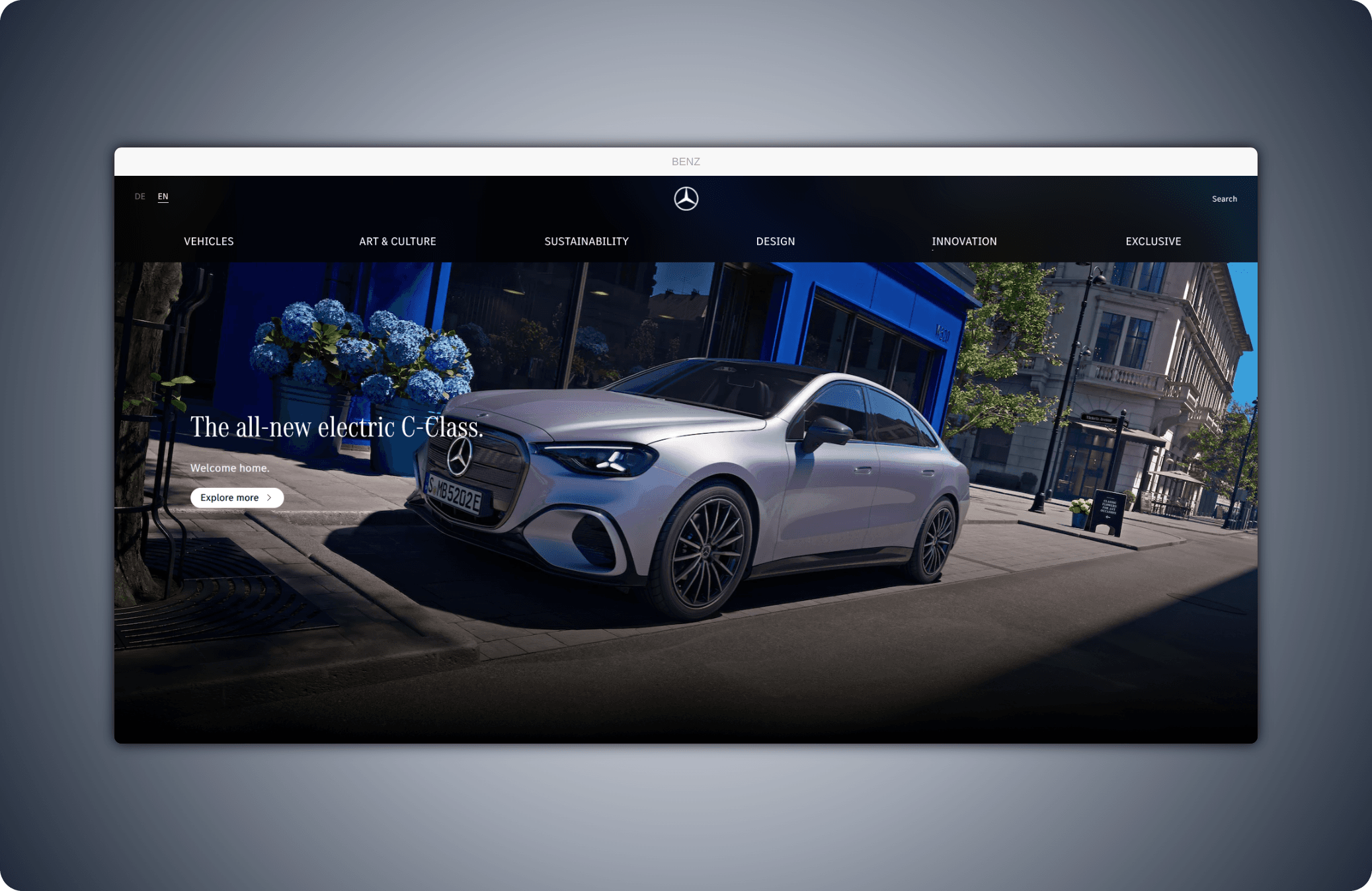
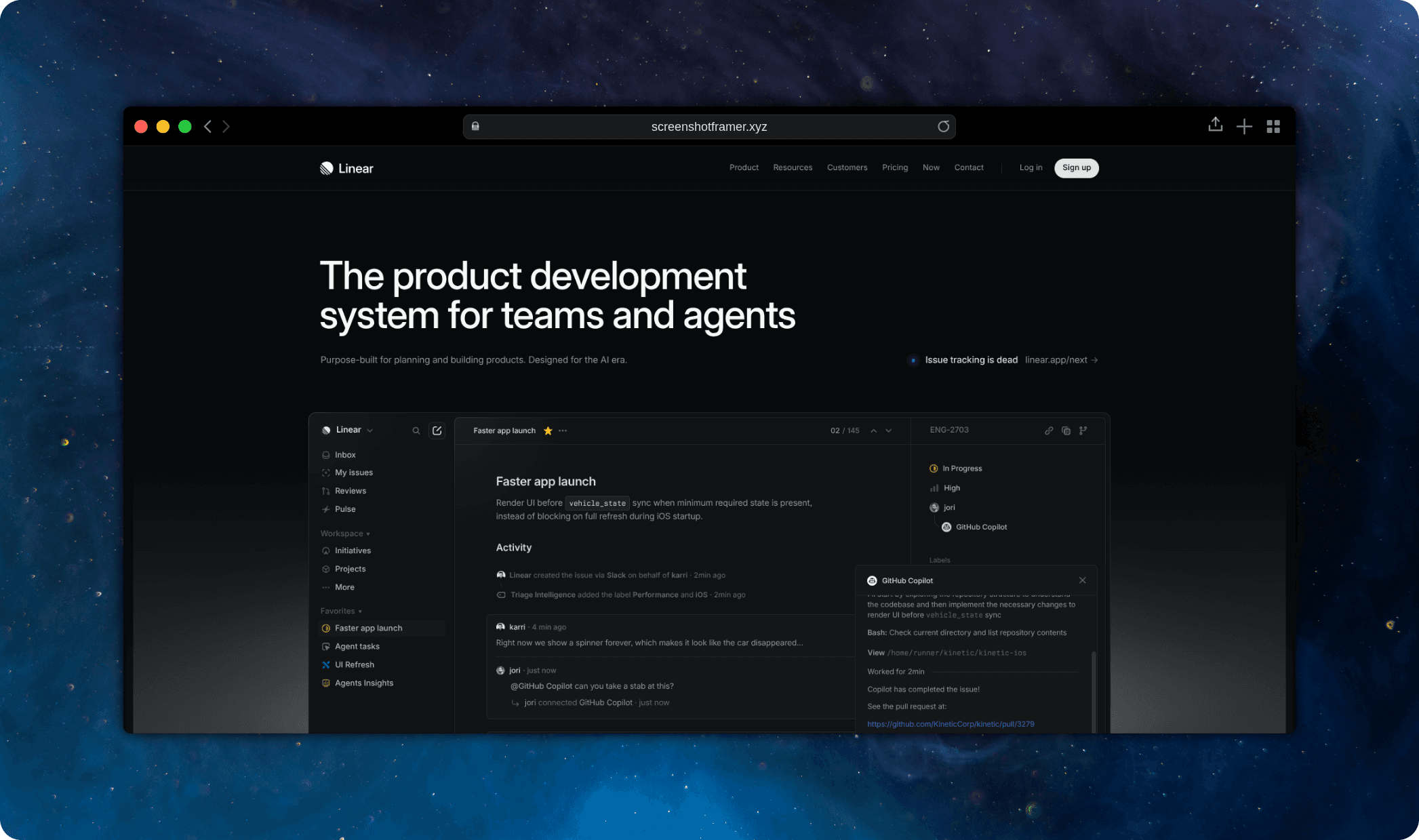
Browser, editor, and minimal frames designed to make raw screenshots look presentation-ready
Features
Everything you need to look polished
Easy to pick up. Powerful enough to replace your whole screenshot workflow.
Capture anything
Click the toolbar or press a shortcut to grab the visible page, drag a custom region, or stitch a full scrolling page — without leaving your tab. Even a boring screenshot becomes your starting point.
- Viewport & region capture
- Full-page scroll capture
- Element picker
- Works on any Chrome tab
Design in the editor
The web editor is a full design environment. Wrap your screenshot in a browser frame, drop it on a gradient or image background, add stickers and decorations — polished in minutes, not days.
- macOS, Windows, Safari & VS Code frames
- Gradient, solid & image backgrounds
- Stickers, cursors & hand-drawn elements
- Custom URL bar text
Annotate to make your point
Highlight features, guide the eye, and protect sensitive details. Add arrows, numbered callouts, text labels, and blur directly in the editor — no separate annotation tool needed.
- Arrows, shapes & lines
- Numbered callouts
- Text labels & highlights
- Blur & redact sensitive areas
Export anywhere
Export at the exact dimensions your destination requires — Chrome Web Store 1280×800, a Product Hunt thumbnail, or a custom size. Copy to clipboard and share in seconds.
- PNG & JPG export
- Copy to clipboard
- Gradient & solid backgrounds
- Store-ready preset dimensions
EXPORT AS
Quality 100%
Made for builders
Your visuals are your
first impression.
Polished screenshots make your content recognizable, increase engagement, and win the click — whether you're launching on Product Hunt, submitting to the Chrome Web Store, or posting on social.
Win installs with a polished store listing
Most extensions ship with flat, unframed screenshots — and lose installs to better-looking competitors every day. Export at the exact 1280×800 dimension Chrome requires.
Launch visuals that get upvoted
First impressions on Product Hunt are made in a thumbnail. Frame your screenshots, drop them on a clean background, and show up looking like a product people want to try.
Screenshots worth sharing
Twitter, LinkedIn, Hacker News, Reddit — polished visuals stop the scroll and make your product memorable. Create share-ready images in under a minute without leaving Chrome.
100% offline. Your screenshots never leave your device.
No uploads. No servers. No tracking. Everything happens locally in your browser. Only Pro license validation needs a network request.
Don't take our word for it
Founders, designers, and developers use ScreenshotFramer every day to ship polished visuals faster.
“Launched on Product Hunt last week and every screenshot in our gallery was made with ScreenshotFramer. Got multiple comments on how clean the visuals looked. Worth every cent.”
“Finally an annotation tool that doesn't require me to open Figma for a single callout arrow. Browser frames + backgrounds + export — it's all in one place.”
“Our docs team uses it for every release. Consistent framed screenshots across 200+ pages in an afternoon. The export presets save so much back-and-forth.”
“I use it for Twitter and LinkedIn posts. The templates give me a starting point and I just swap the screenshot. Went from 30 minutes per post to under 5.”
“Our whole team shares a Pro license and we built a company template. Everything we ship looks polished and on-brand without a single Figma file.”
“As a technical writer I live in screenshots. ScreenshotFramer is the first tool that actually fits my workflow — capture, frame, annotate, export. No detours.”
Pricing
Simple, transparent pricing
Start free for everyday use. Upgrade once to unlock the full visual toolkit and remove the watermark.
Free
Forever
- Unlimited captures
- Core frame styles
- 3 background presets
- All annotation tools
- PNG export
- Exports include watermark
Pro
One-time · Lifetime
- Everything in Free
- All frames and backgrounds
- Watermark-free exports
- Clipboard copy
- Custom URL bar text
- Up to 3 device activations
Works offline · Instant activation · Secure payment via Polar
Common questions
Is the free version really free forever?+
What changes when I upgrade to Pro?+
Can I use it on multiple devices?+
Will it slow down my browser?+
Does it work on all websites?+
From screenshot to
polished visual.
Capture in Chrome, design in the editor, export in seconds — no Figma detour, no separate annotation tool, no account required.
No account required · Instant activation · 100% offline