
Screenshot Privacy and Security: What You Need to Know
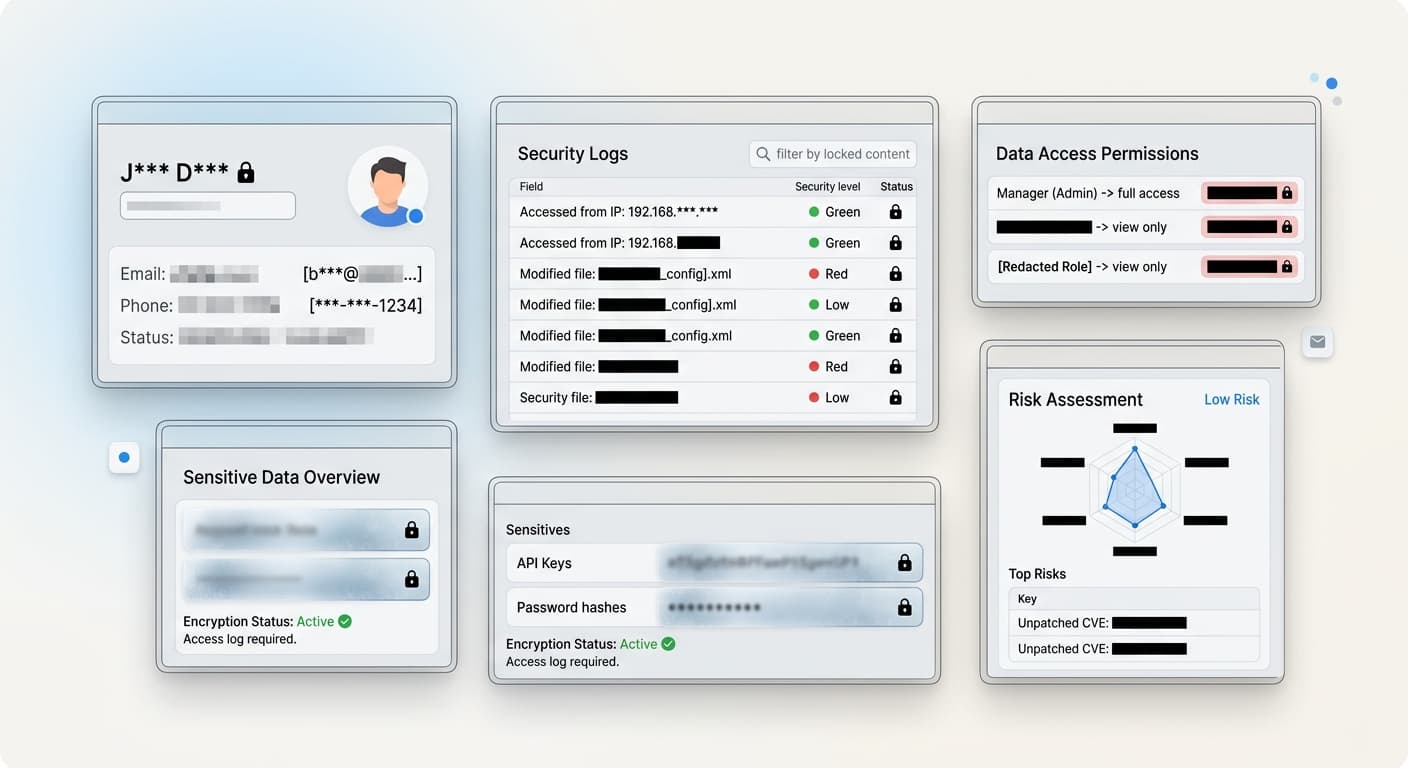
Screenshots often contain sensitive information. Understanding privacy and security implications protects you and your users.
Why Screenshot Privacy Matters
Every screenshot you take might contain:
Personal data: Names, email addresses, phone numbers Financial information: Account numbers, transaction details Credentials: Passwords, API keys, tokens Confidential data: Internal documents, unreleased features Location data: GPS coordinates, addresses
Sharing screenshots without proper redaction can lead to identity theft, account compromise, data breaches, legal liability, and reputation damage.
Screenshot Tool Privacy Comparison
ScreenshotFramer
Privacy approach: 100% offline, no data collection
What it means: - Screenshots never leave your device - No cloud uploads - No tracking or analytics - No account required - No data sent to servers
Best for: Privacy-conscious users, sensitive data
Cloud-Based Tools
Privacy approach: Upload to cloud for processing
What it means: - Screenshots stored on company servers - Subject to company privacy policy - Potential data breaches - May be used for training AI - Requires account with personal info
Risk level: Medium to high
Redaction Best Practices
Blur: Use opaque blur, not semi-transparent
Problem: Semi-transparent blur can be reversed Solution: Use 100% opaque blur or solid color blocks
Black boxes: Completely cover sensitive data
Problem: Thin boxes may not fully cover text Solution: Ensure boxes extend beyond text boundaries
The Bottom Line
Screenshot privacy is serious. Always assume screenshots contain sensitive information. Use offline tools like ScreenshotFramer for maximum privacy. Redact thoroughly before sharing. Understand legal requirements in your jurisdiction.